 SpotThemes
Disclosure: we make Venue Map, one of the five plugins below. We read every rival's own site, docs, pricing and store pages on 28 and 29 Nov 2026 and did not install them for this article. Anything we could not confirm is marked "Not confirmed" or "Not found".
The five plugins at a glance
The table compares what matters for a venue directory: what it costs, whether it handles floors, whether visitors can search, whether it shows opening hours and whether it draws routes.
| Plugin | Price | Floors | Directory and search | Opening hours | A to B routes |
|---|---|---|---|---|---|
| Mapplic | $89 once per site (plugin) | Yes, one file per floor | Yes, search and filters | Yes | Cloud plan only |
| MapSVG | From $60 a year, lifetime from $288 | Yes, as linked parent and child maps | Yes, incl. radius search | Not confirmed | No |
| Image Map Pro | $49 once, 1 project | Yes, as artboards with a floor menu | Object list with search | Not found | No |
| Draw Attention | Free version; Pro $99 for 1 year, 1 site | Not found | No | Not found | No |
| Venue Map | $149 a year for 1 site, $349 for 5 sites, $699 for unlimited sites | Yes, up to 30 per map | Yes, search, chips, This floor, Open now | Yes, live Open now | No |
How to pick
Start with one question: do visitors need to search a list of places, or only click areas on a picture? A mall, campus or office building needs search, categories and opening hours. A single floor plan, a product diagram or an apartment block often only needs clickable areas with a popup.
1. Mapplic
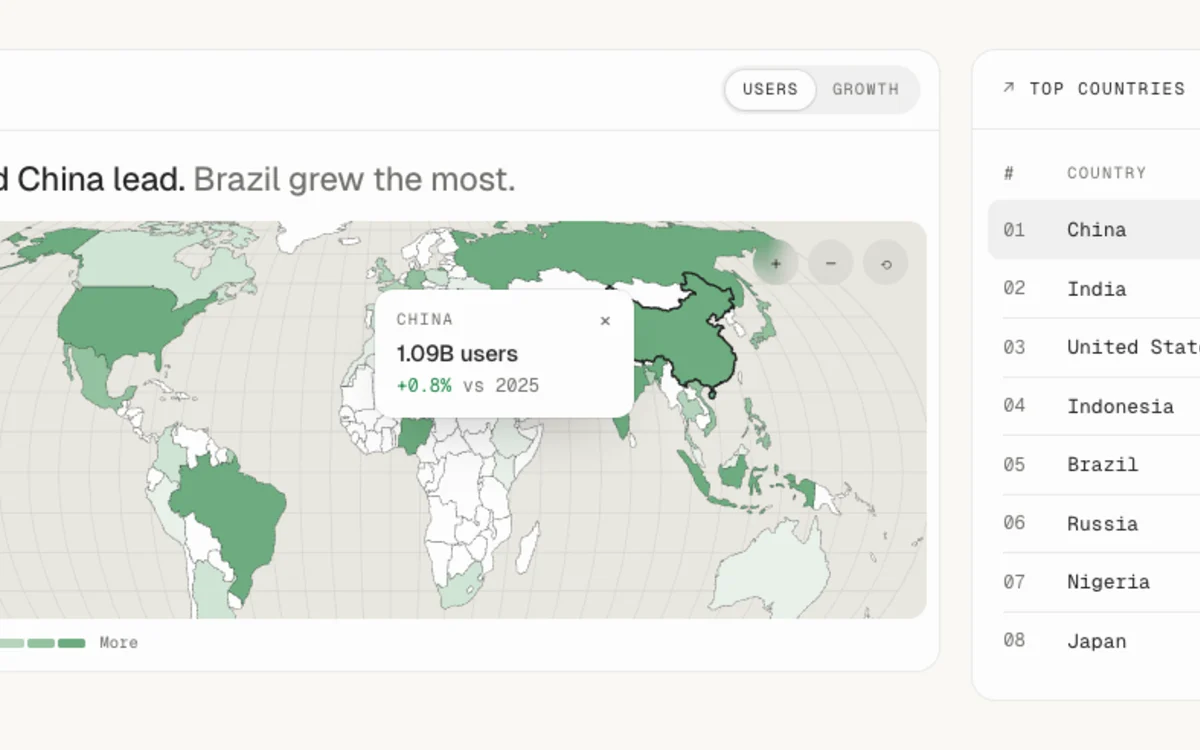
Mapplic is the long-running venue map plugin, sold on its own site and on CodeCanyon. It handles any number of floors, SVG shapes or pins on a picture, a directory sidebar grouped by category or letter, search and filters, deep links to a place, opening hours with the venue's time zone, CSV import and export, and a live published CSV link for Google Sheets. It also has a minimap, fullscreen and a JavaScript API.
Best for: venues that want a one-time price, or that need A to B wayfinding and are happy to use Mapplic's cloud plans. Watch out: its docs say wayfinding is not available with the WordPress plugin, and its CodeCanyon item page says the item is not supported by the seller. A block for the block editor is not documented.
Bottom lineThe most complete feature list, with routes on the cloud side. Check the support situation first.
2. MapSVG
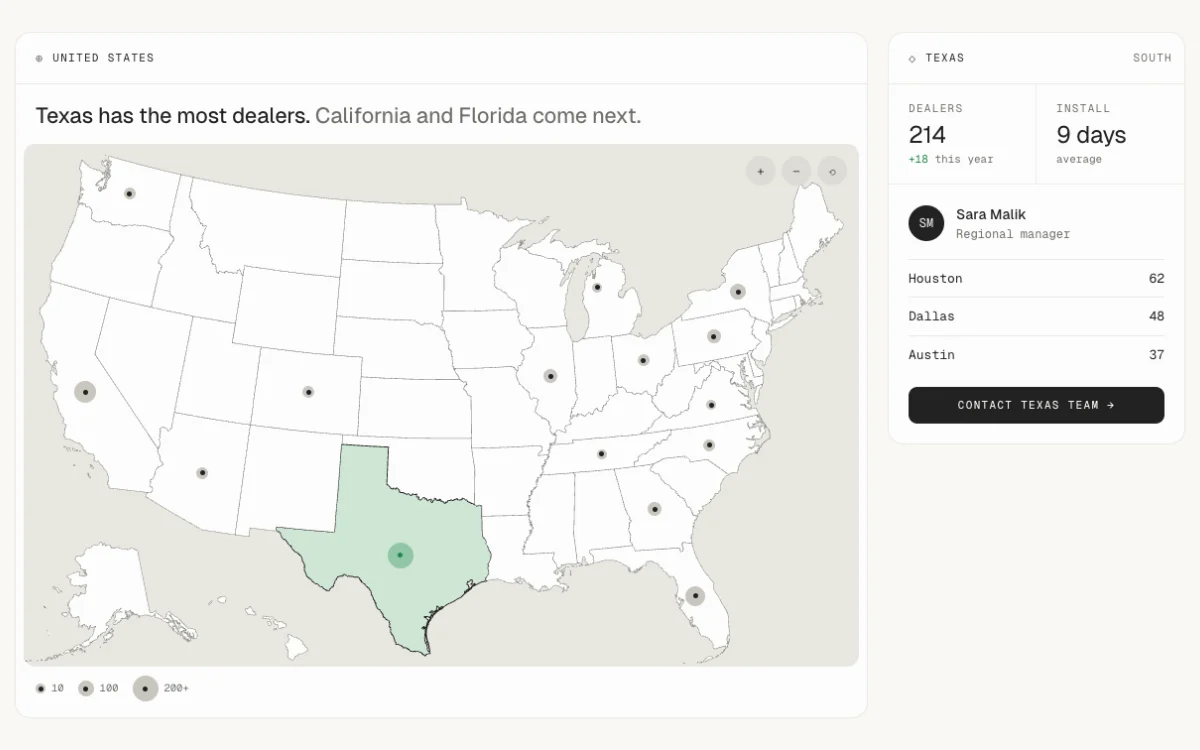
MapSVG is a large map toolkit: SVG maps, image maps with drawn areas and Google Maps overlays. Floors work as linked parent and child maps. Its directory can sit on any side, with collapsible categories, sorting and search by keyword, category, custom field or distance. Data can come from its own collections, posts, ACF, Meta Box, WooCommerce, CSV, Google Sheets and APIs. It has a block, an Elementor widget and WPBakery support.
Best for: developers who want one tool for many kinds of maps and data sources. Watch out: buyer reviews call it hard to learn, and we could not confirm opening hours or deep links on its official pages. Yearly from $60, lifetime from $288.
Bottom lineThe most flexible. Expect a learning curve.
3. Image Map Pro
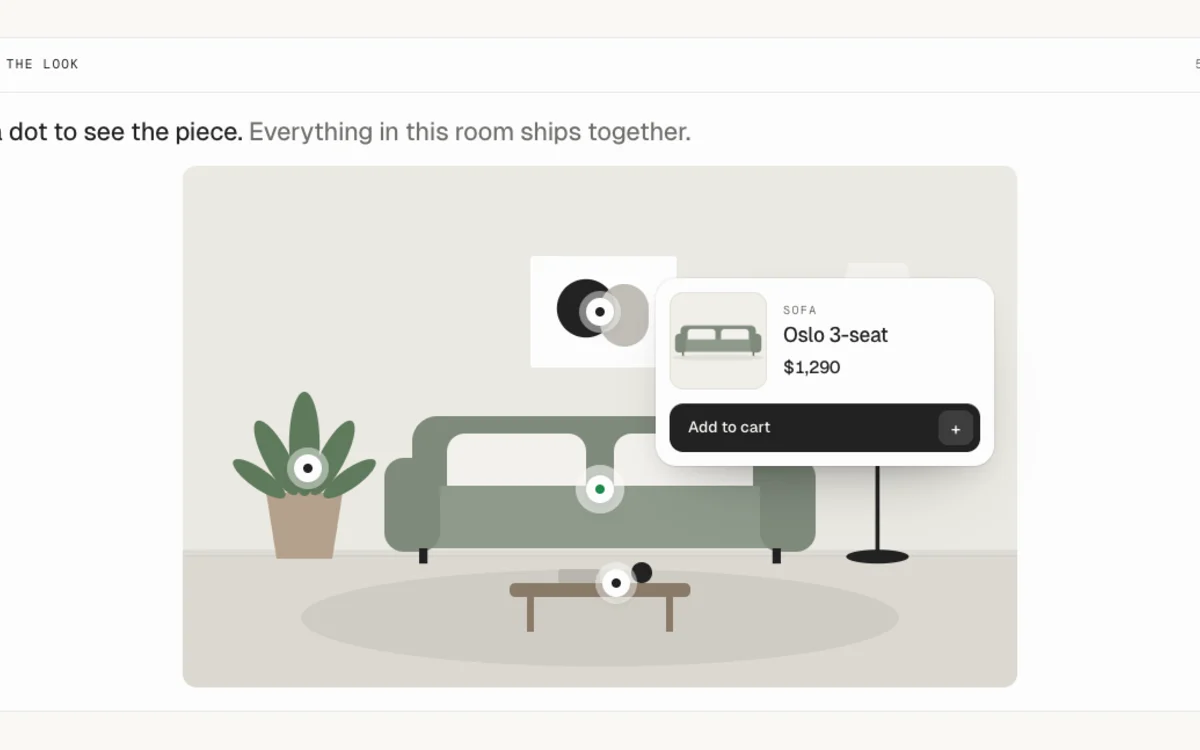
Image Map Pro turns a picture or an imported SVG into clickable shapes and pins, with rich tooltips, zoom and fullscreen. Floors are artboards with a floor menu, and a side list of objects can be searched. It has a block and JSON import and export.
Best for: one or a few clickable floor plans or diagrams with nice tooltips, paid once. Watch out: we did not find categories, filters, CSV import, opening hours or links to a single place on its official pages.
Bottom lineA good image map builder, not a venue directory.
4. Draw Attention
Draw Attention is a long-standing image map plugin with a free version on WordPress.org and a Pro plan. You draw clickable areas on an image and choose from several layouts for the information that appears.
Best for: a simple clickable floor plan or product image, and trying it free first. Watch out: no directory search and no routes. We did not find floors or opening hours.
Bottom lineThe easiest free start for clickable areas. Not built for directories.
5. Venue Map
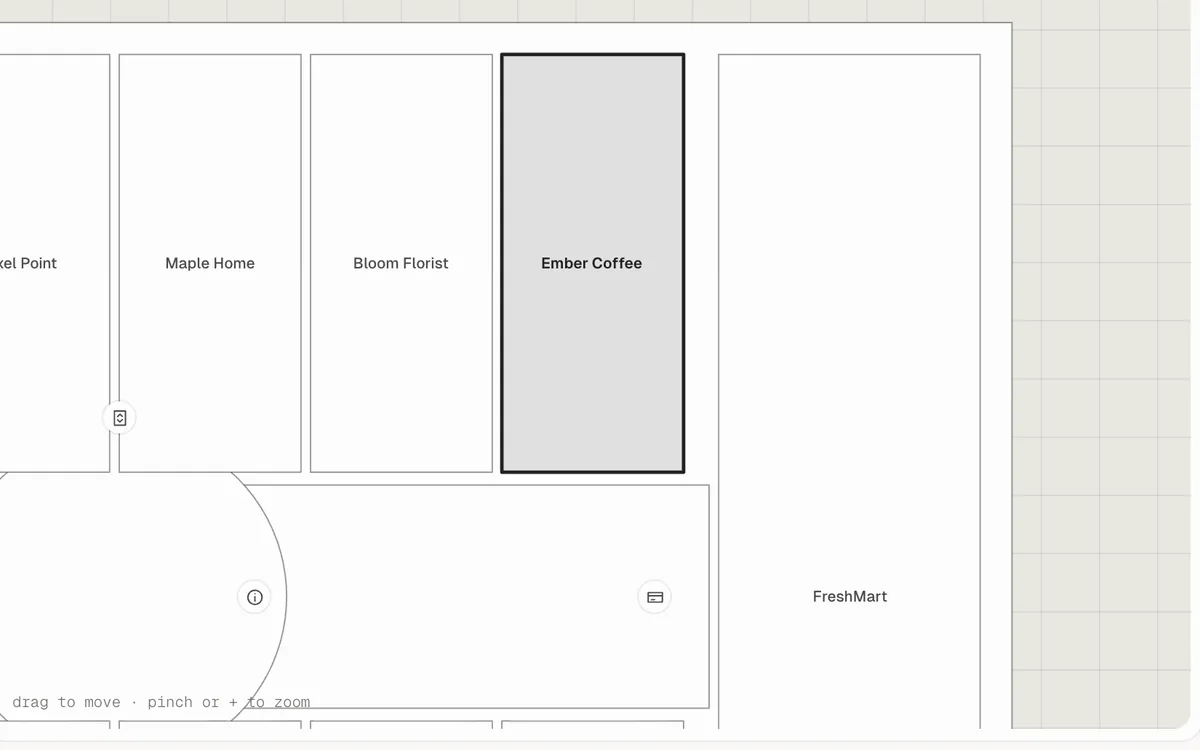
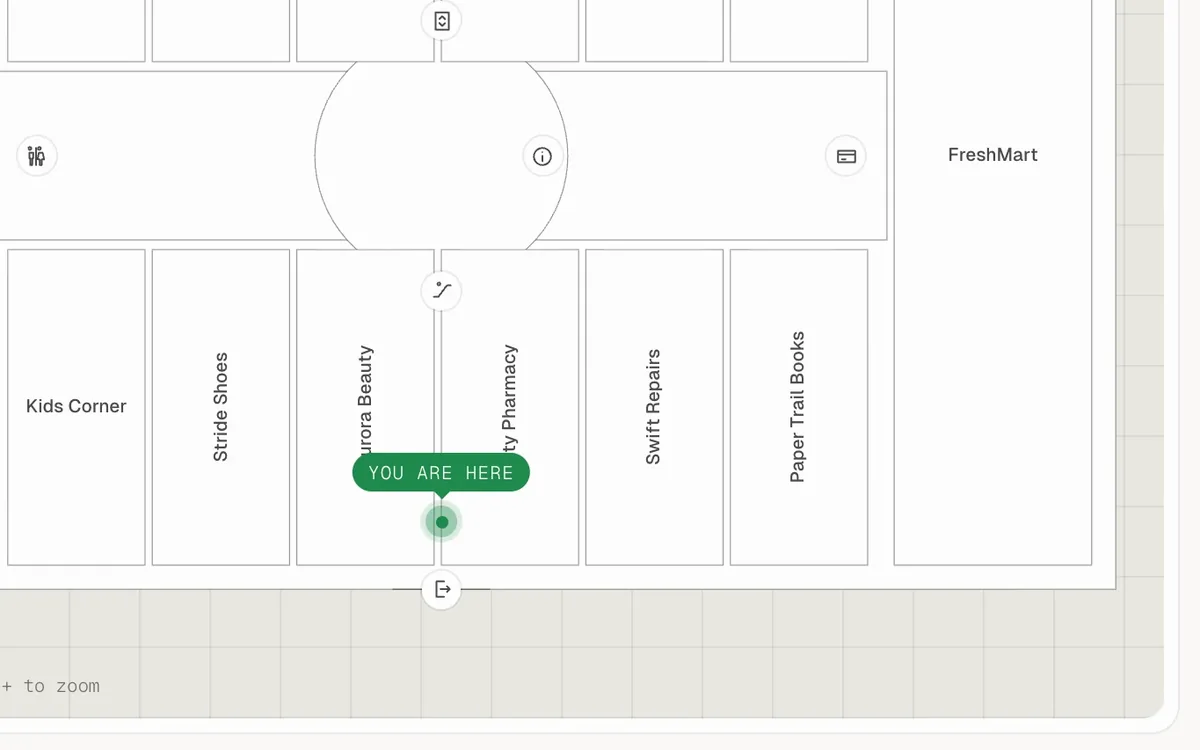
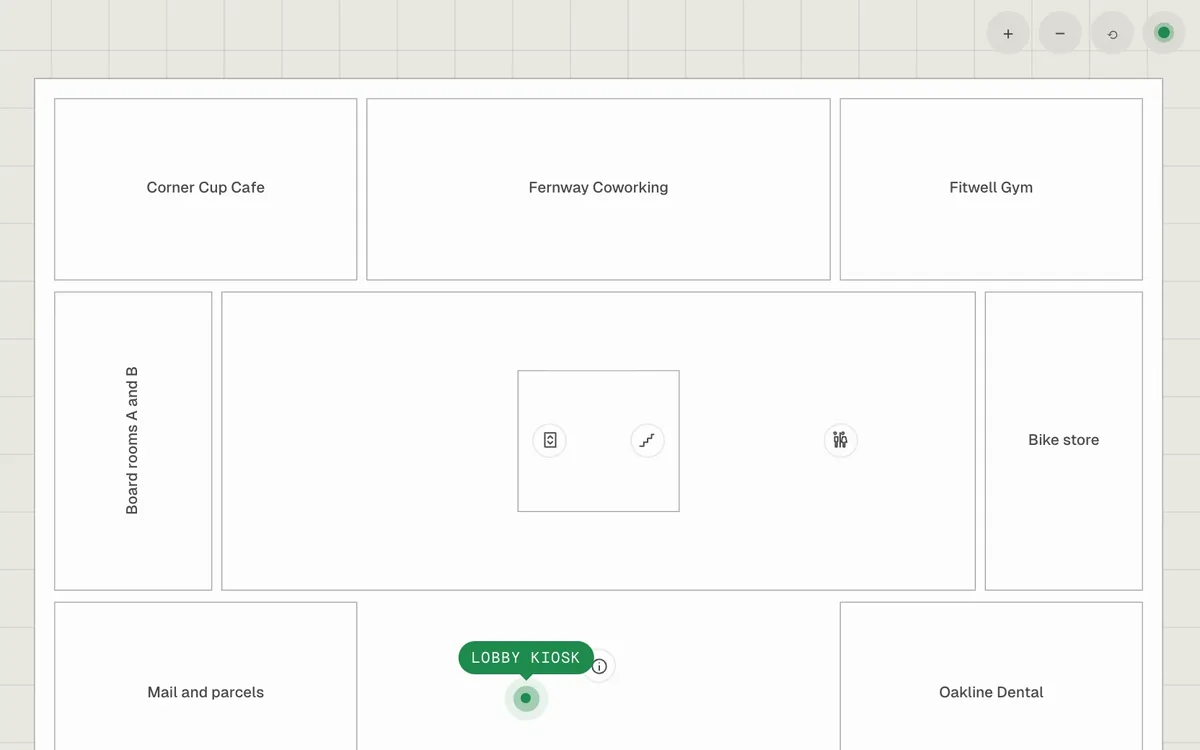
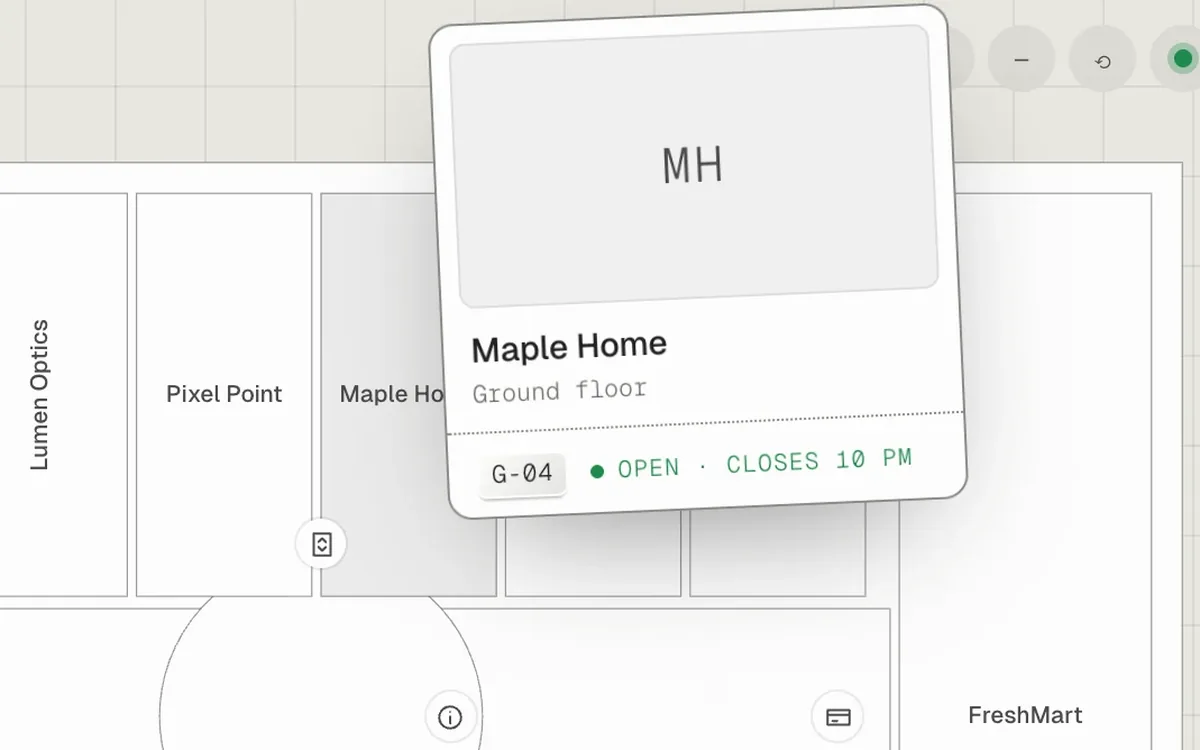
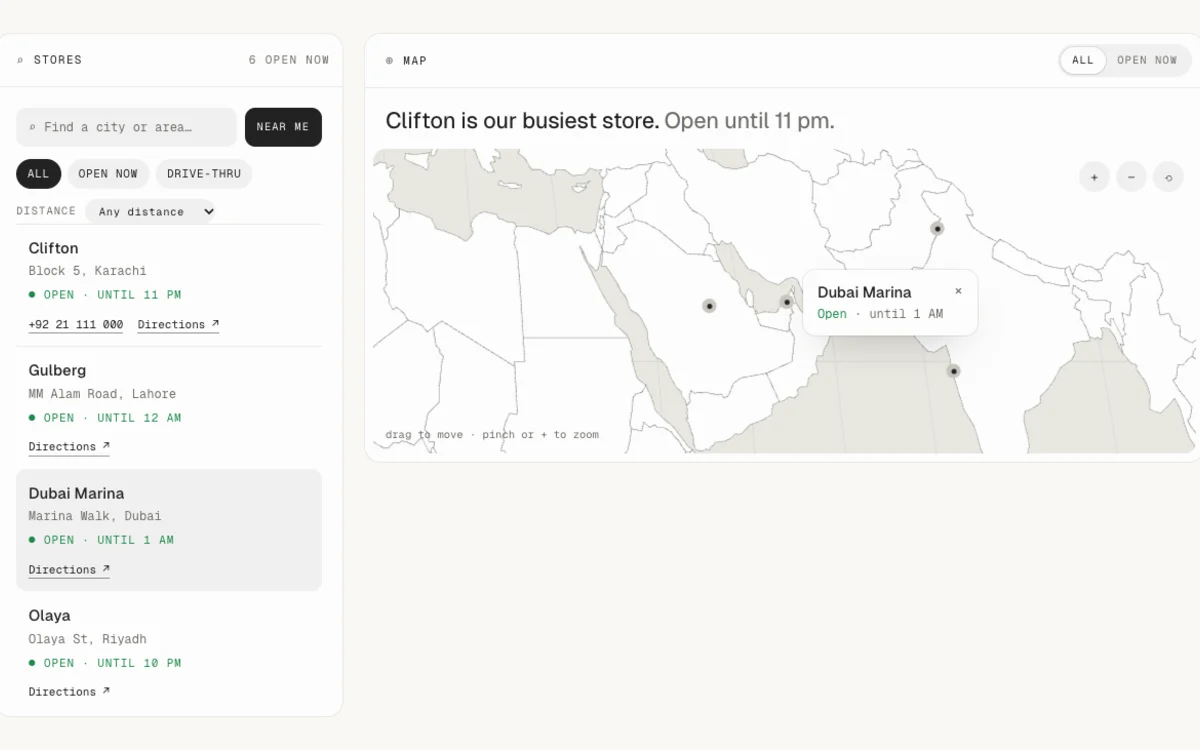
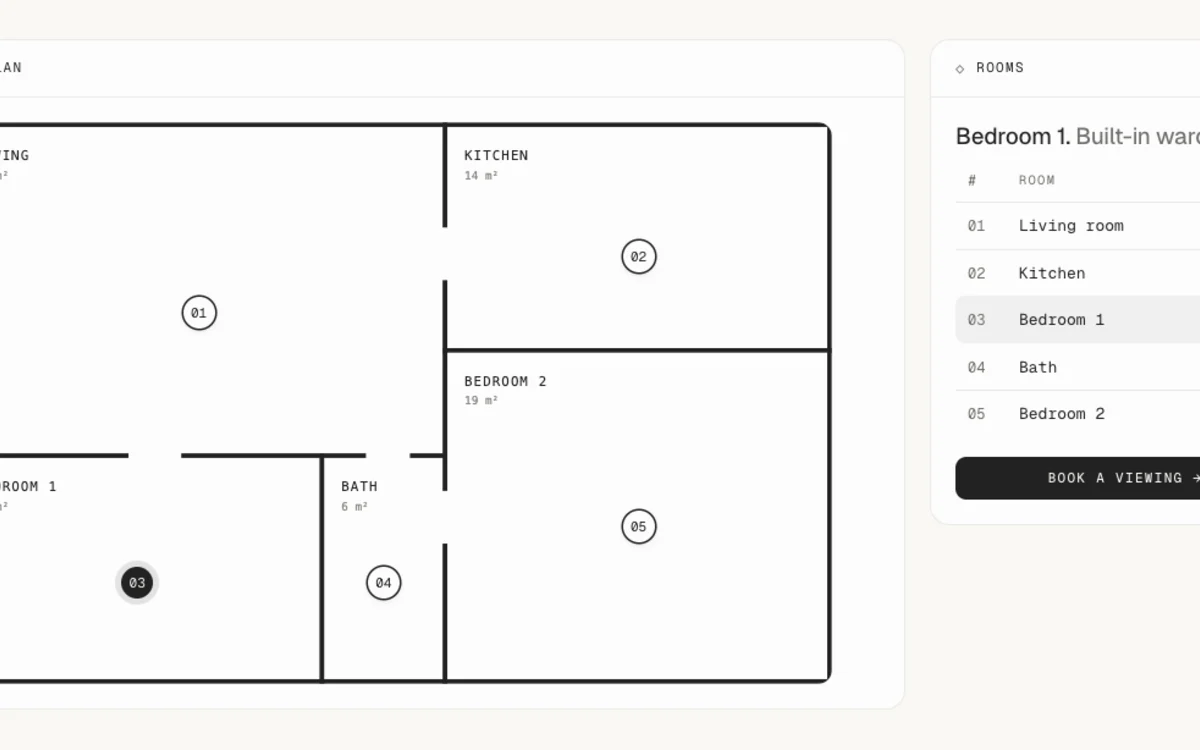
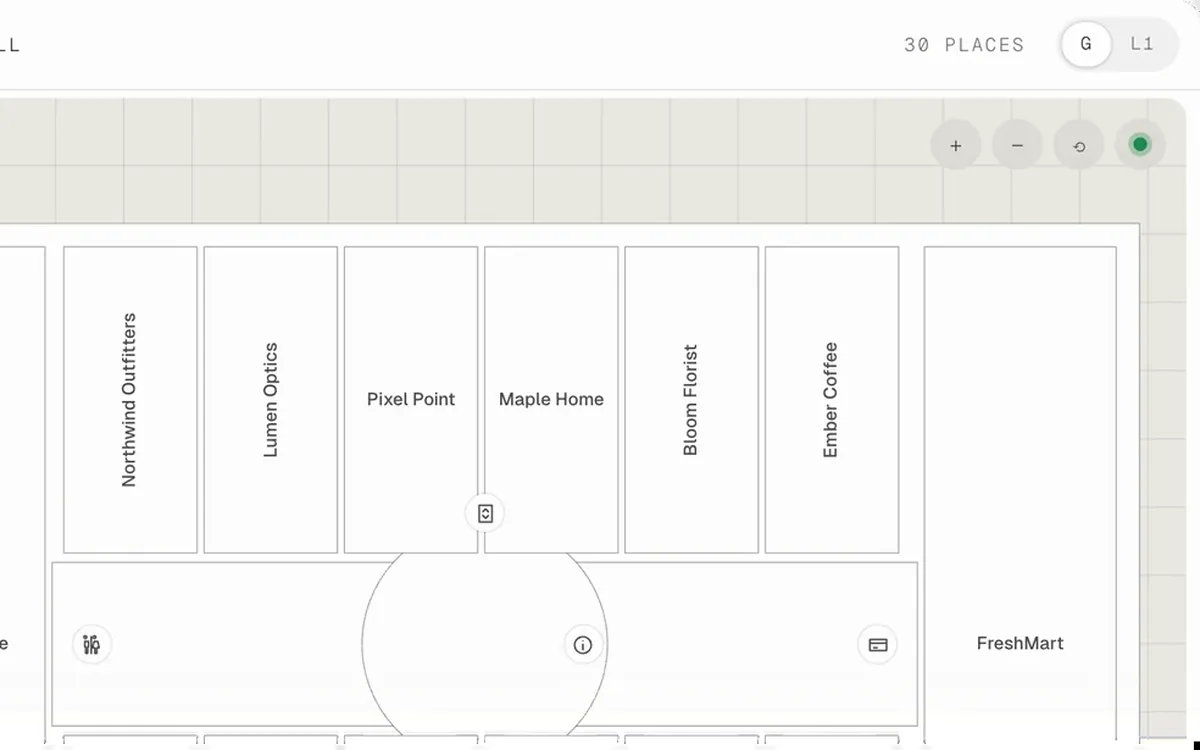
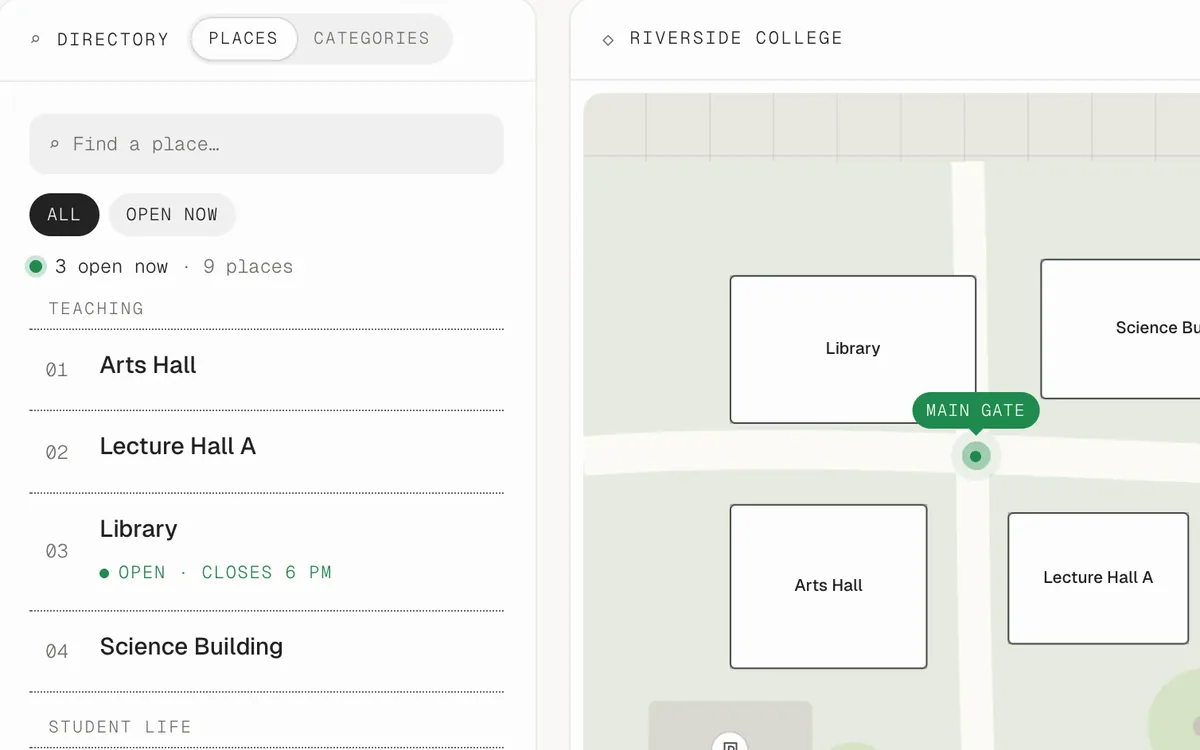
Venue Map is ours. It is built only for venue directories: a floor plan per floor (SVG or picture), places with logo, unit, hours, phone and website, search, category chips, This floor only, live Open now in your site's time zone, a link and Share button per place, You are here points with their own links for kiosks and QR signs, amenity icons, CSV import and export, and a phone layout with the directory as a bottom sheet. It has a block, a shortcode and an Elementor widget, and visitors' browsers make no outside requests.
Best for: malls, campuses and office buildings on WordPress that need search, hours and kiosk links. Watch out: no A to B routes, no Google Sheets sync and no 3D. It is a yearly plan, from $149 a year, and you can try the builder in your browser first. Maps keep working if you stop paying; editing and fixes need an active plan.
Bottom lineA focused venue directory with hours and kiosk links. No routes.
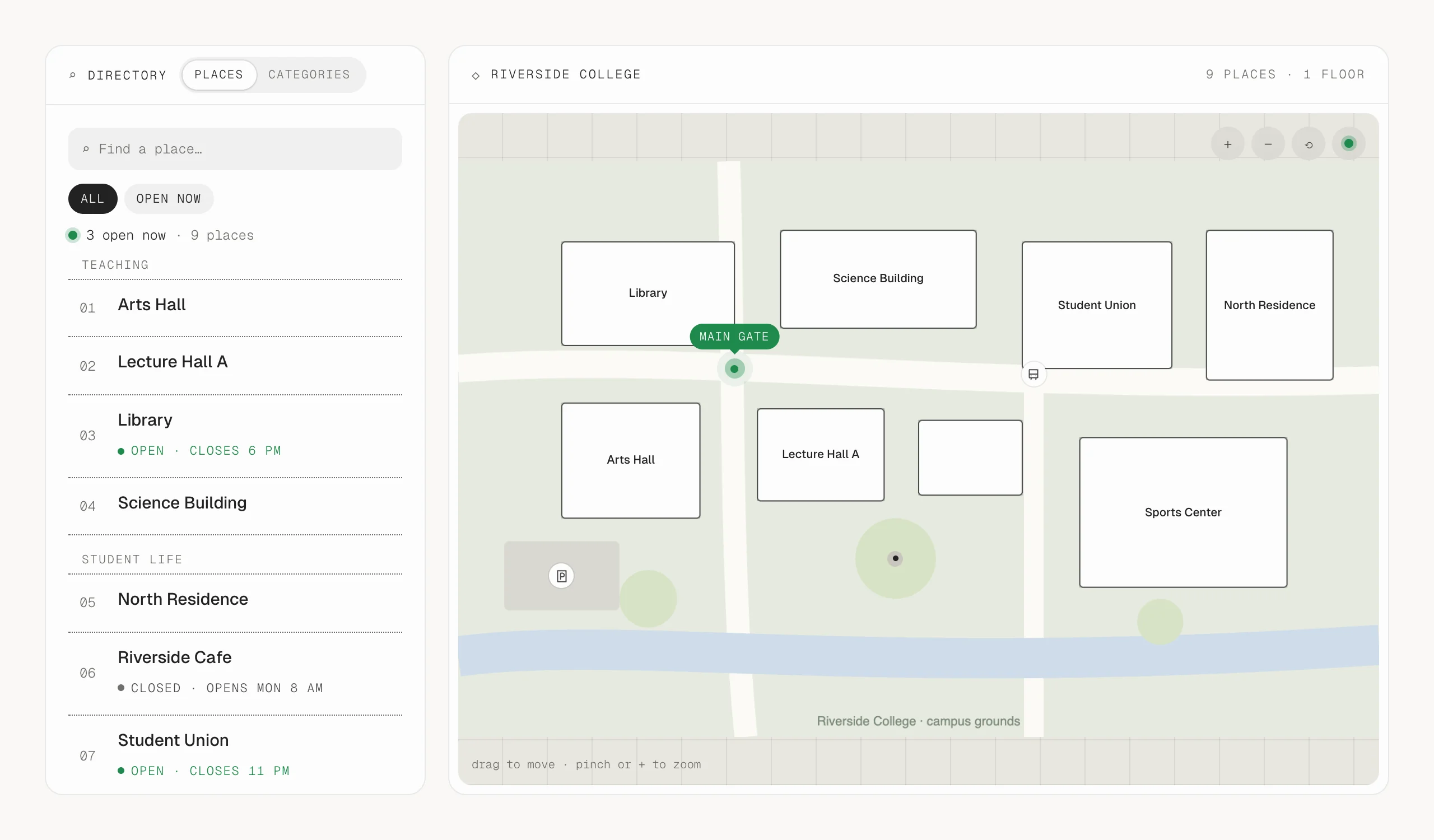
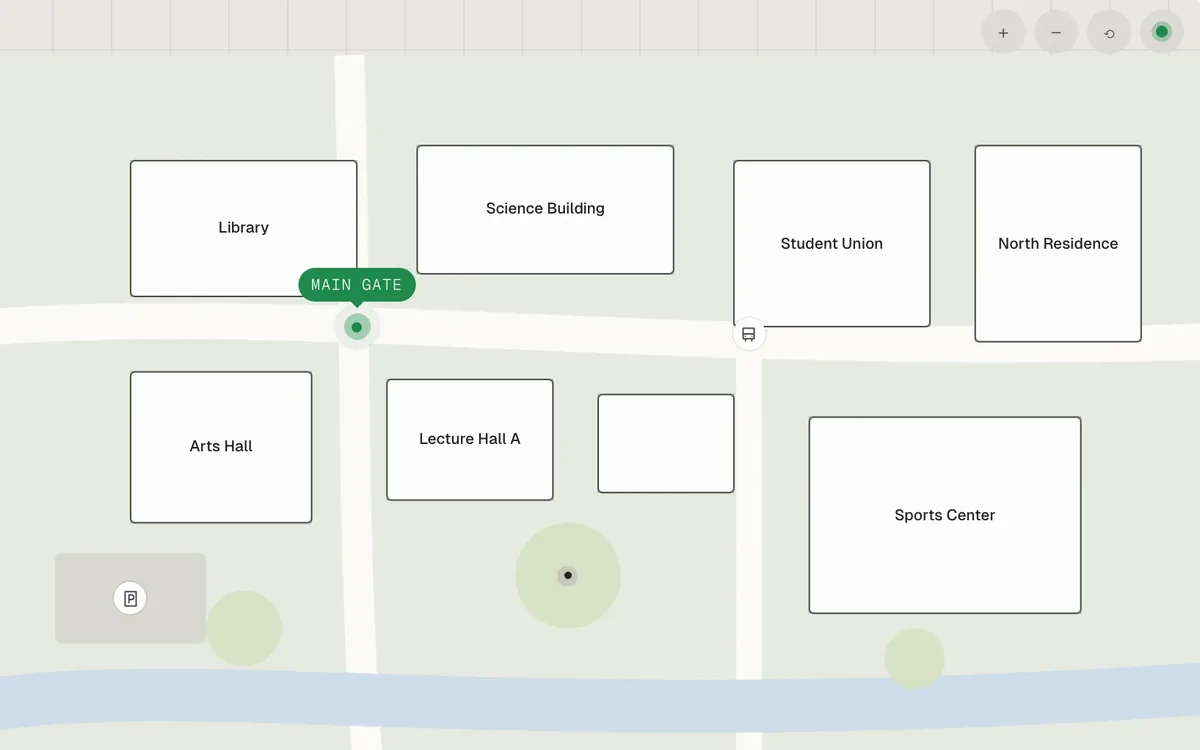
You can click through it in the live mall directory demo, the campus map demo and the office building directory demo.
If you need routes or 3D
None of these five draws walking routes inside WordPress. Indoor map platforms such as Mappedin and Concept3D do, along with 3D maps and developer tools, on quoted prices. Our Mappedin and Concept3D comparison explains when a platform is worth it. For a direct head-to-head with the closest WordPress option, see Mapplic vs Venue Map.
TL;DR
- Venue directory with hours: Mapplic, MapSVG or Venue Map.
- Clickable picture only: Image Map Pro or Draw Attention.
- Routes: only Mapplic's cloud plan, or a platform such as Mappedin.
- Cheapest start: Draw Attention's free version. Cheapest one-time directory: Mapplic at $89.
Our verdict
Pick by the job, not the feature count. If visitors need to find a shop, see if it is open and know where they stand, choose a directory plugin: Mapplic if you want routes through its cloud or a one-time price, MapSVG if you need many data sources, Venue Map if you want hours, kiosk links and the block editor or Elementor. If you only need clickable areas on a picture, Image Map Pro or Draw Attention will do it for less.
Making your own floor plan file? Read how to make an interactive SVG floor plan in WordPress.