Visitors search for a building or department, filter by category, see opening hours and find parking and bus stops.

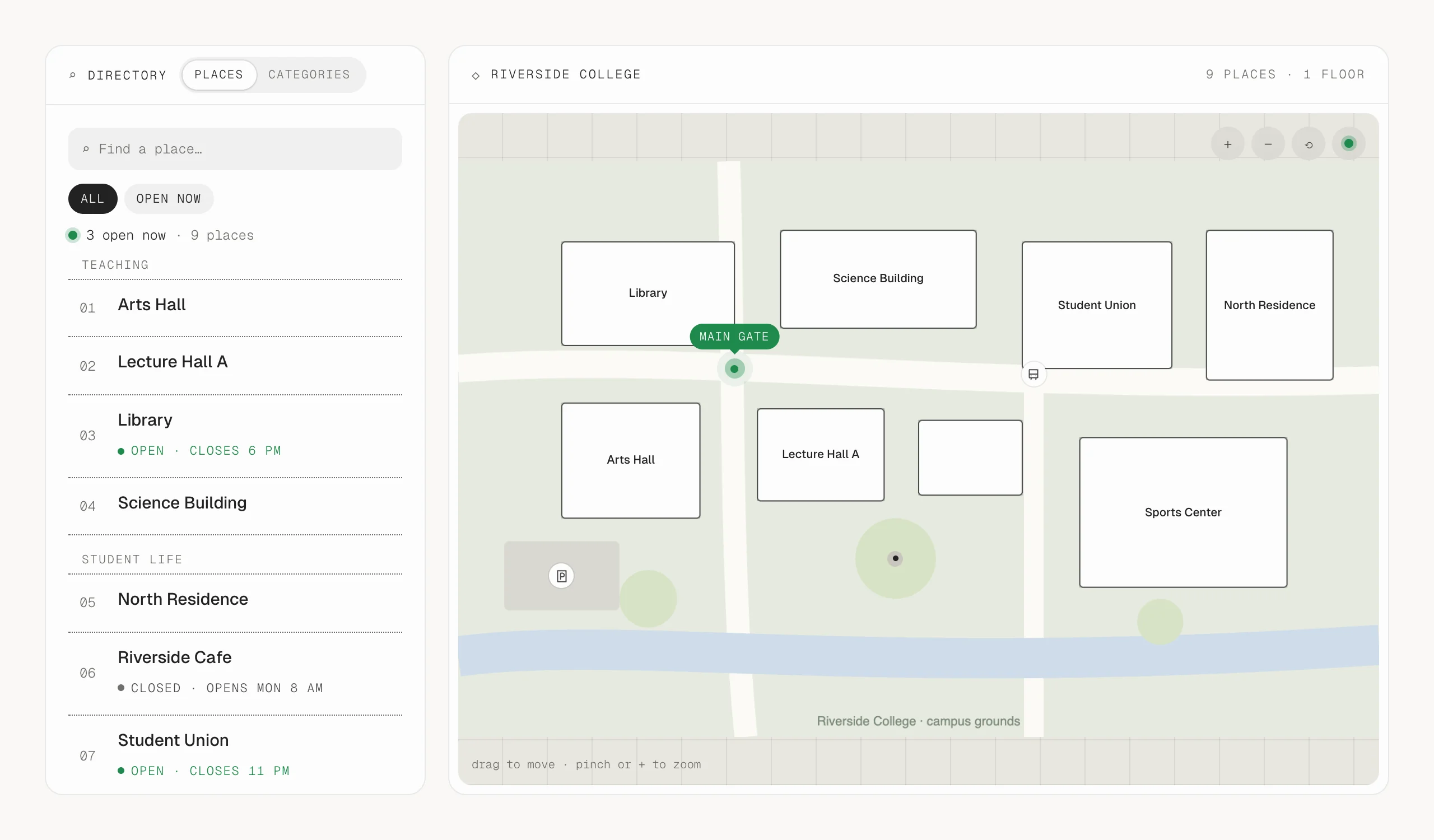
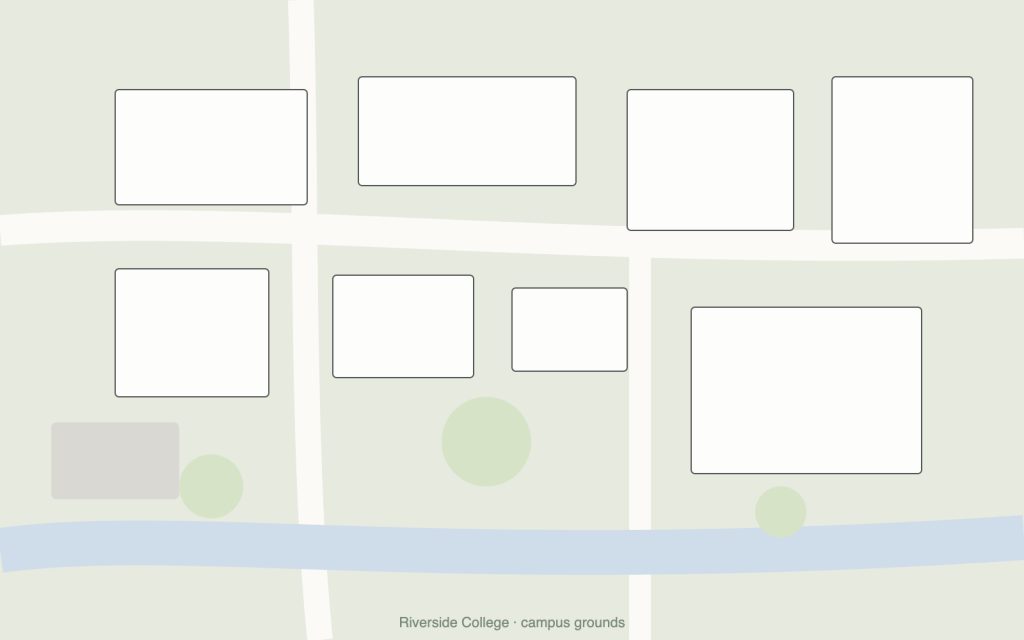
The real plugin, running on this page. Riverside College is a sample campus: one picture plan with buildings drawn on top, grouped by category. Names are made up.
Every building on a campus plan, with a searchable list beside it.
An interactive campus map in WordPress shows every building on a campus plan with a searchable list beside it. With Venue Map, visitors search for a building or department, filter by category, see opening hours and find parking and bus stops. It works for universities, schools and hospitals, from $149 a year.
Each one needs the same three things: find a building, know if it is open, and know where you are standing.
Teaching buildings, libraries, student life, sports and admissions as categories. Libraries and gyms show their own hours.
Classroom blocks, the office, the sports hall and visitor parking. A gate point for parents arriving for the first time.
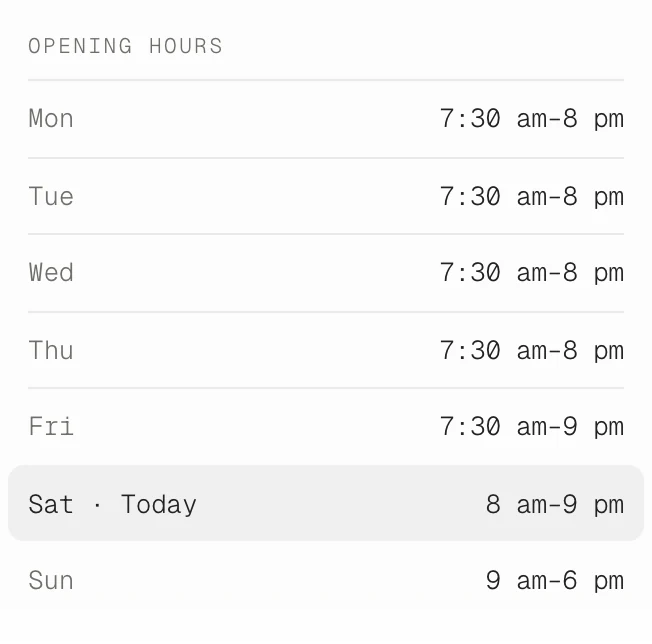
Departments, wards, outpatient clinics, entrances, parking and the cafe. Opening and visiting hours per department.
New students and first-time visitors ask the same questions. Each row works in the demo above.
| Visitors look for | Where it shows in Venue Map |
|---|---|
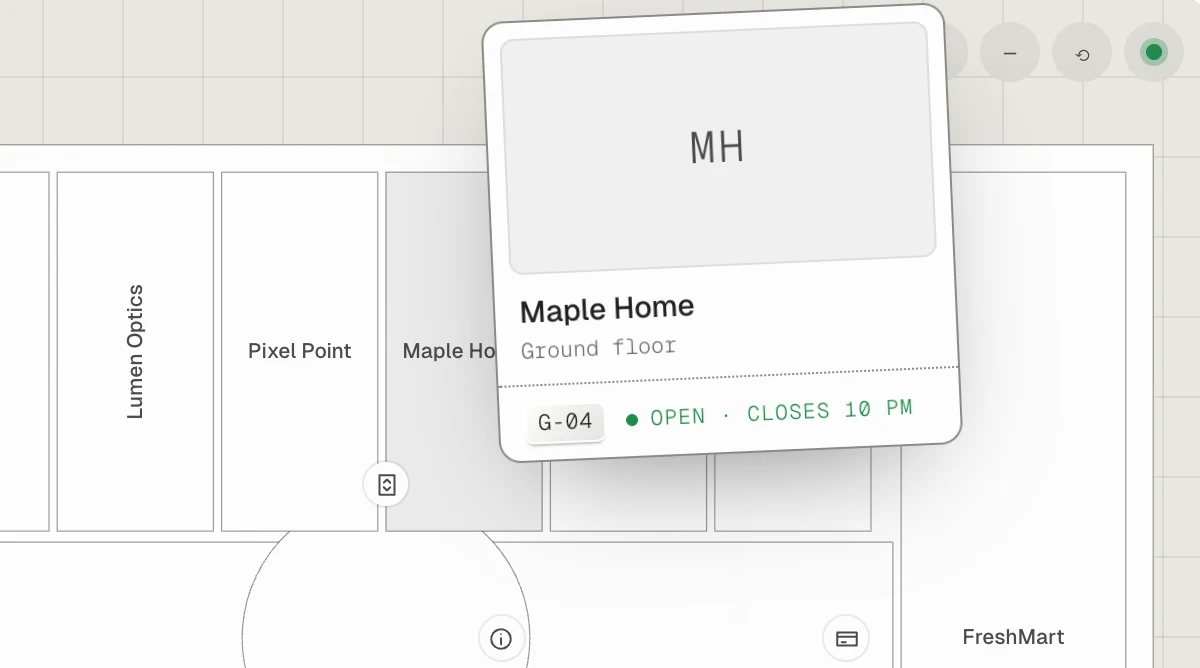
| Where is the library? | Search by building name, tag or category. The map zooms to the building and opens its card. |
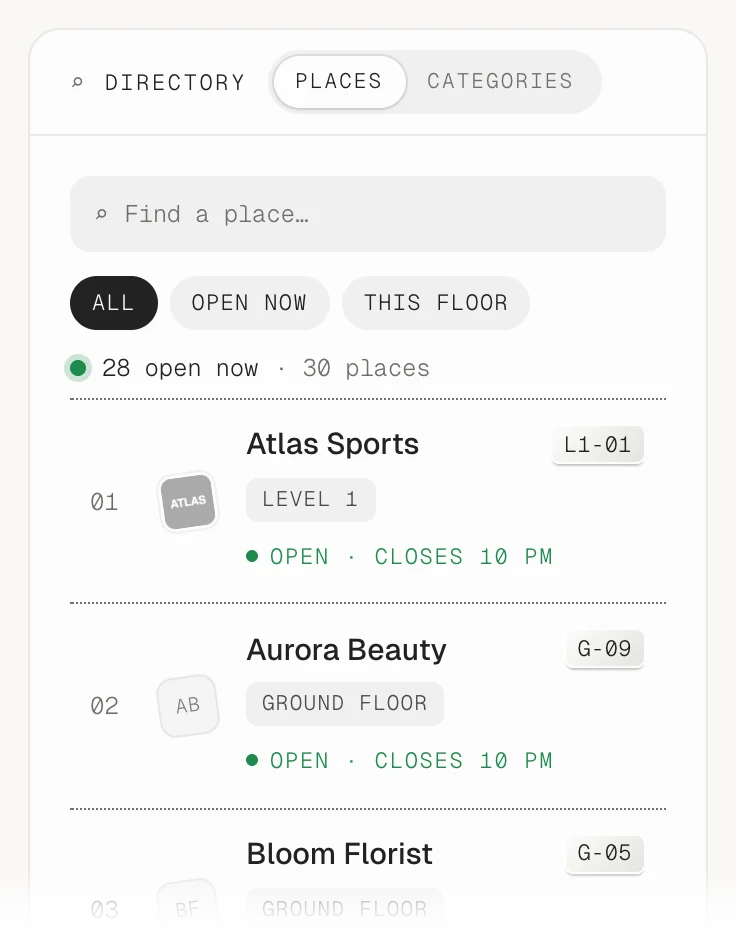
| Is it open now? | Open now or Closed with the closing time, in your site's time zone. |
| Where do I park? | Parking as amenity icons on the map, out of the building list. |
| Which bus goes there? | A bus stop pin with a note, for example the lines that stop there. |
| Where am I? | A You are here point at each gate or sign, opened with ?yah= in the link. |
| Which buildings are for students? | Category chips such as Teaching, Student life, Services and Sports. |
Checked against the plugin itself on 29 Nov 2026. Prices in USD.
| What | Venue Map |
|---|---|
| Price | $149 a year for 1 site, $349 for 5 sites, $699 for unlimited sites (launch prices, regular $199, $449, $899). |
| Try before you buy | The builder demo runs in your browser, plus live demos on the use-case pages. |
| If you stop paying | Maps already on your site keep working. Editing maps and getting fixes need an active plan. |
| Floors | Up to 30 floors per map, one floor plan per floor. Visitors switch floors with one tap. |
| Floor plan formats | SVG (named shapes become clickable places) or a picture: PNG, JPG or WebP. |
| Places | Up to 3,000 per map. Each has a name, logo, category, unit, opening hours, phone, email, website, description, photos and tags. |
| Directory | Search by name, unit, tags or category. Category chips, A-Z or grouped by category, This floor only, Open now. |
| Opening hours | Live Open now in your site's time zone. 12 or 24 hour clock, hours past midnight, split shifts. |
| Kiosk and QR links | You are here points. Add ?yah= to the page link for each kiosk, entrance or QR sign. |
| CSV | Import and export places as CSV. Full JSON backup. |
| Works with | Block editor block, shortcode and Elementor widget. |
| Phones | Full-size map with the directory as a bottom sheet. |
| Visitors' privacy | No outside requests from visitors' browsers. No tracking. |
| A to B routes | Not in the plugin. |
| Requirements | WordPress 6.5 or newer, PHP 7.4 or newer. |
Large sites work best as a set of small maps. Each building card can link to that building's own floor map.
Upload the campus picture as one floor, draw each building, add parking, bus stops and gate points.
For buildings with many rooms, make a map with one floor plan per level, up to 30 floors each.
Paste rooms and departments into a CSV with name, floor, unit and hours, and import them in one go.
Put a searchable map on your campus website.
If something breaks, email [email protected]. Plans start from $149 a year. See pricing.
Yes. Upload a PNG, JPG or WebP picture as the plan, then draw each building as a shape, a box or a pin on top. If you have an SVG plan with named buildings, the plugin can link the shapes to places for you.
Make one map for the campus overview and one map per building, with a floor plan for each level. Each map goes on its own page with the block, shortcode or Elementor widget, and you link the building's place card to that page with its Website field.
Yes for finding things: departments, wards, clinics, entrances, parking and cafes, each with its own hours. Visiting hours can go in a ward's opening hours or its note. It does not draw a route from the entrance to a ward.
No. Venue Map shows where a building or department is, its floor and a You are here point, but it does not draw a route from A to B.
The list, map shapes and floor buttons work with a keyboard, places have screen reader labels, Esc closes the card, and the plain directory list is in the page even without JavaScript.
Yes. Make categories such as Parking and Bus and mark them as amenities. They show as icons on the map and stay out of the building list.
Yes. Add a You are here point at the gate, then add ?yah= and the point's id to the map page link. Print that link as a QR code on the sign.
The maps already on your site keep working. Editing maps and getting fixes need an active plan.
Live demos, honest comparisons and guides. The product page has prices and features.
Indoor map platforms or a WordPress plugin: which fits your venue.
CompareExport from Figma or Illustrator, name shapes, upload, link to places.
GuideMapplic, MapSVG, Image Map Pro, Draw Attention and Venue Map side by side.
Guide SpotThemes